Troubleshooting
This page contains common issues and their solutions. It will be updated frequently as new issues arise.
Permission denied when running maven wrapper
Make the file executable:
Then commit the change so colleagues and CI also pick the file up as executable. WHen not on linux shell, you can mark the file as executable in its git index:
Used the wrong Git configuration
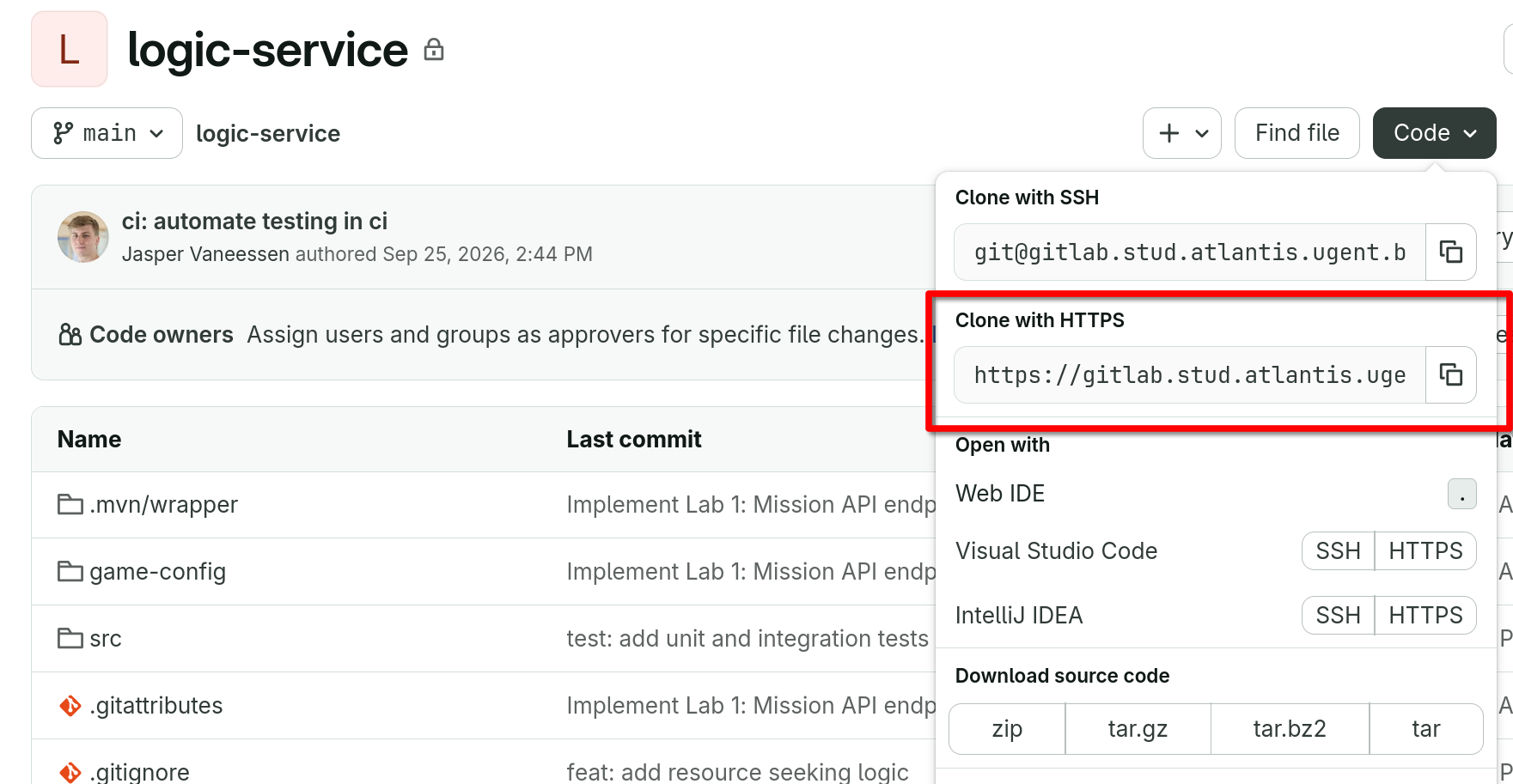
A default GitLab project shows you setup instruction for git with
SSH by default. As we use glab CLI and OIDC authentication, you
need to use HTTPS instead. You can change the remote URL with:
You can copy the HTTPS URL from the GitLab project page by clicking on the "Code" button and selecting "HTTPS".